Custom Domain and SSL: Give Your Store an Address Buyers Trust
Think about the shops you trust in your own neighbourhood. Most of them have a proper sign out front. You know the name, you know where to find them, and you can tell a friend how to get there.
Your web address does the same job online. It is the sign over your door. In this guide, we, as the OneWooz team, explain what a custom domain is, what SSL means for your buyers, and what you get with your OneWooz store. This page is part of our guide to building your store with OneWooz, so you can read it on its own or as one step in the bigger picture.
Meet Harpreet
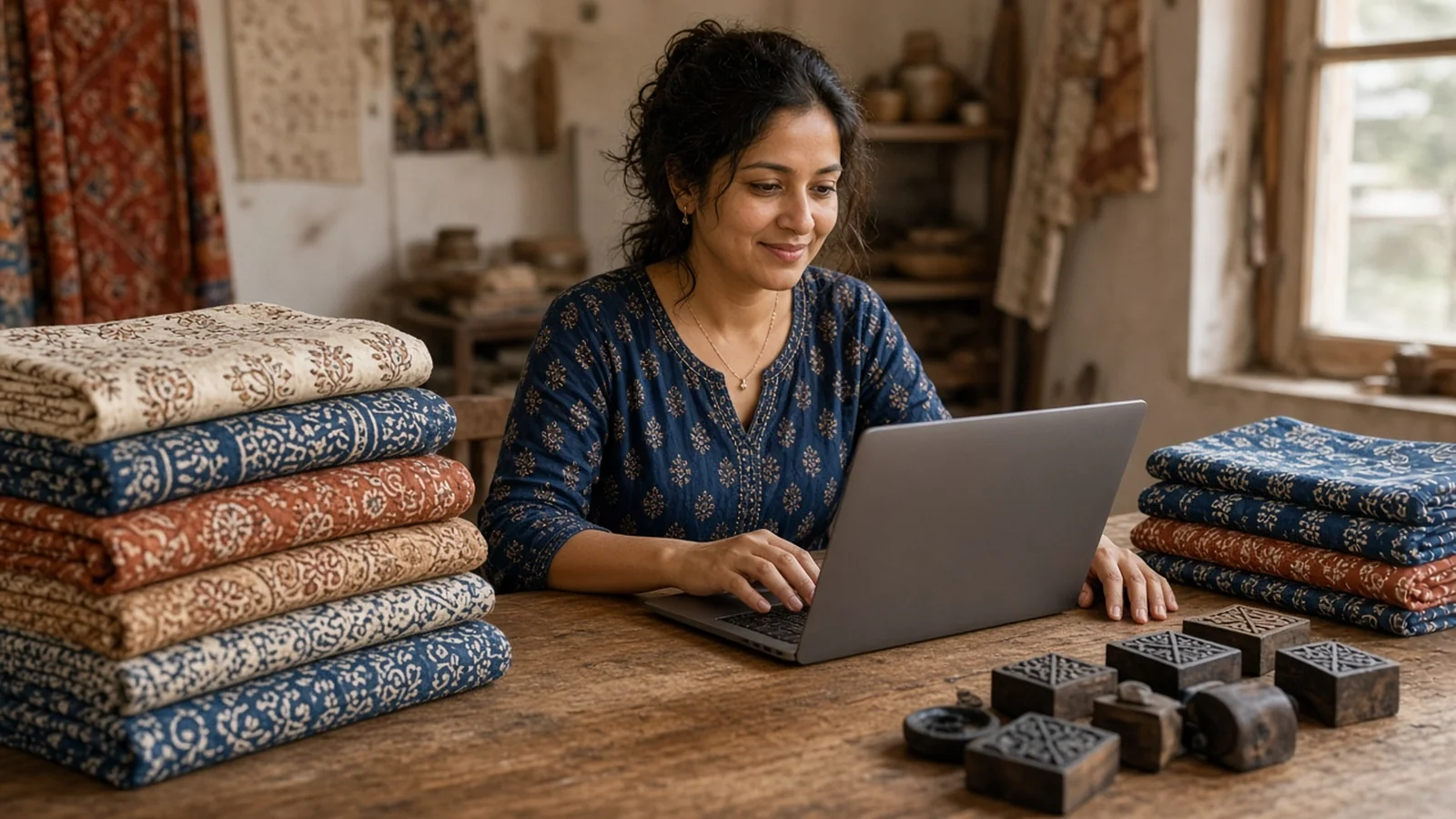
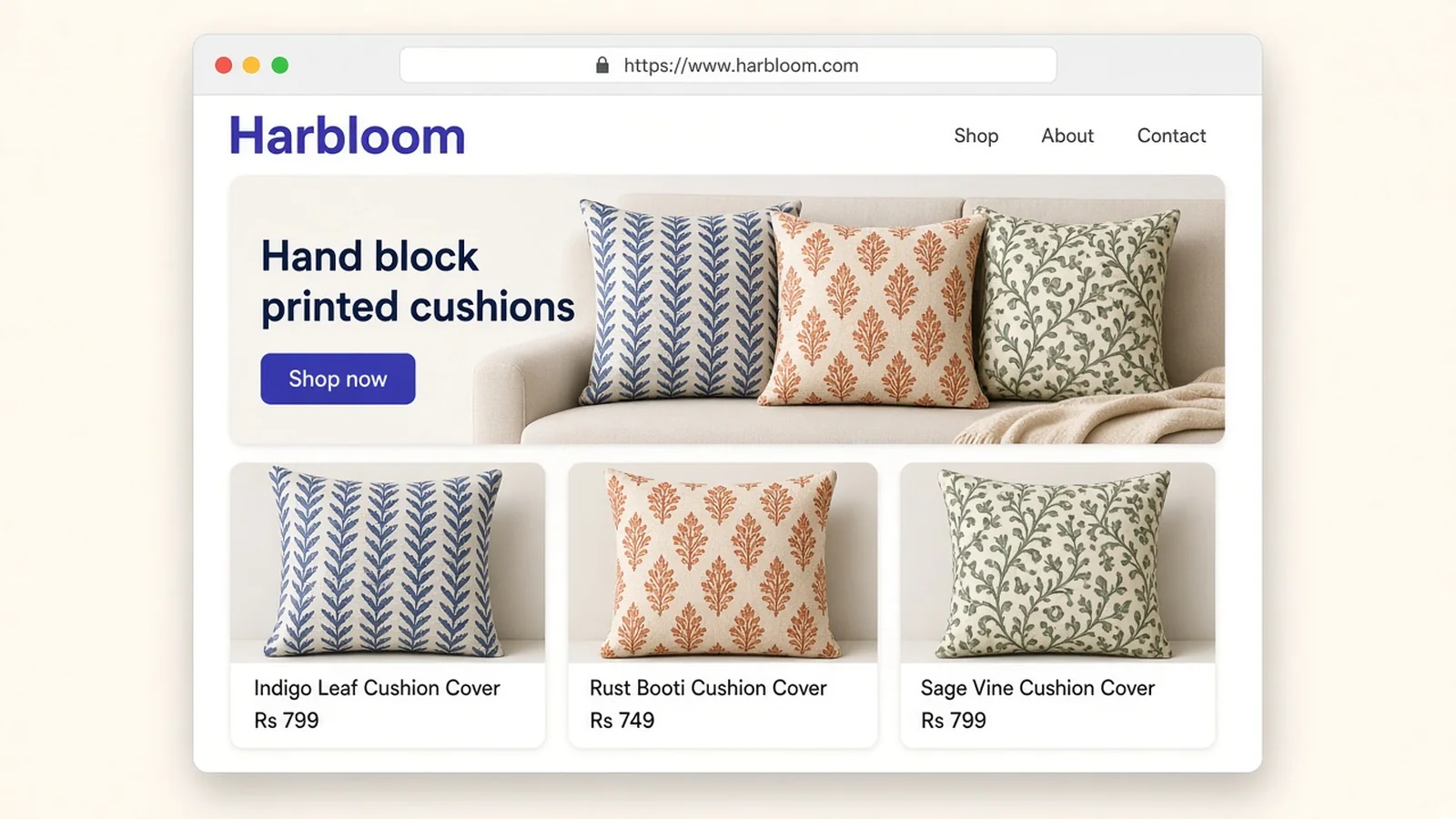
Harpreet prints cushion covers by hand. She uses carved wooden blocks and deep indigo and rust colours. Her work is slow and careful, and it shows.
For two years, she sold through her Instagram page. When buyers asked for a website, she sent them a long link that was hard to read out loud. One customer told her, "I tried to find you again, but I forgot the name of your page." That one stayed with her.
Harpreet didn't need a fancier page. She needed a short, clear address with her brand name in it. Something she could print on her thank you cards and say over the phone without spelling it twice. We will come back to her later.
What is a domain, in plain words?
A domain is the name people type to reach your store. For example, yourbrand.com. It is much easier to remember than a long string of numbers, which is what computers really use to find each other.
You don't own a domain forever by default. Instead, you register it for a period of time, usually a year or more, and renew it. ICANN, the group that helps keep the internet's naming system running, has a set of beginner guides on domain names if you want to dig deeper. MDN also has a short, friendly page on what a domain name is.
What you get with OneWooz
Every OneWooz store comes with its own OneWooz address from day one. So you can build, test and share your store before you decide anything about a domain.
When you are ready, you can bring in your own name. Here is what that looks like:
- Use a domain you already own. Bought it somewhere else? That is fine. You can connect it to your OneWooz store.
- Get help if you don't have one yet. We can help you register a domain in your own name.
- Use your main address or a part of it. Your store can open on yourbrand.com, or on something like shop.yourbrand.com if your main site lives elsewhere.
- HTTPS, set up for you. Once your domain is connected, the secure lock is turned on for you. It is also renewed for you, so it doesn't quietly expire one day.
- Your name stays yours. The domain belongs to you, not to us. If you ever choose to leave, you can point it somewhere else.
Here is a simple way to compare the two kinds of address.
| Your OneWooz address | Your own domain | |
|---|---|---|
| Ready from day one | Yes | Once you connect it |
| Secure with HTTPS | Yes | Yes, set up for you |
| Carries only your brand name | Partly | Yes |
| Easy to print on cards and parcels | Good | Best |
| Yours to keep if you move | No | Yes |
How to choose a good domain name
A domain is a long-term decision, so it is worth a little thought. That said, it doesn't need to be perfect. It just needs to be clear.
Here are a few tips we share with every seller:
- Keep it short. Fewer letters mean fewer typing mistakes.
- Make it easy to say. Read it out loud. If you need to spell it, try something simpler.
- Use your brand name. Buyers search for names they remember from a parcel or a post.
- Skip numbers and hyphens. They are easy to forget and hard to explain over the phone.
- Pick an ending that fits. A .com works almost everywhere. A local ending can also feel familiar to buyers in your country.
- Make sure nobody else uses it. Check that another business isn't already known by that name.
Moreover, try to match your domain with your social media handles. When the names line up, buyers find you faster, wherever they first met you.
What SSL and HTTPS mean for your buyers
SSL is what keeps the connection between a buyer and your store private. When it is on, your address starts with https, and the browser shows a small lock icon. You will often hear SSL and HTTPS used to mean the same thing, and for a seller, that is close enough.
Why does it matter? When a buyer types their name, phone number and address at checkout, that information travels across the internet. HTTPS keeps it from being read along the way. MDN explains what HTTPS is in a few lines, and web.dev explains why HTTPS matters for every website, not just big ones.
Buyers may not know the technical words. However, they do notice the lock. Many browsers also warn people when a page is not secure, and a warning like that right before payment can make a buyer close the tab.
On OneWooz, every store is served over HTTPS. That includes your OneWooz address and your own domain once it is connected.
What connecting your domain feels like
We keep this part simple. You tell your store which domain you want to use, then follow a short guided check. You will need to be able to sign in to the place where you bought your domain.
The work itself usually takes a few minutes. After that, there is a short wait while the change spreads across the internet. Once it is done, your store opens on your new address, and the secure lock is turned on for you.
If you want to follow along, our Help Centre has a short article on connecting your own domain. And if you get stuck, our team is happy to help.
Moving from another website?
Some sellers already have a website somewhere else. If that is you, you can keep your domain and move it to your OneWooz store. Your buyers keep typing the same address, and your name keeps working for you.
When a site changes, search engines need a little time to catch up. Google explains how it handles a site move with URL changes, which is useful reading if your old pages had a lot of visitors.
Your address, your content, your trust
A domain on its own is just a name. What fills it is what makes buyers come back. That is why so many sellers pair their new address with helpful pages. Our guide to blogs and CorePages shows how to write guides that answer buyer questions and keep bringing people to your store.
And if you sell under more than one brand, our guide to running multiple stores on one account explains how to keep each brand clear, all with one login.
Harpreet's address, a month later
Let's go back to Harpreet.
Her store now opens on a short address with her brand name in it. The lock sits right there in the browser. She printed the address on her thank you cards and on the tape she uses to seal her parcels.
Last week, a buyer from her first craft fair found her again. "I just typed your name and there you were," the buyer wrote. That message made Harpreet's whole day.
She didn't change her cushions. She just made it easy for people to find her and feel safe buying from her.
Where this fits in OneWooz
Your domain is one part of Build, the part of OneWooz where you set up your store. To see everything else you can shape, from your home page to your products, head back to our Build features. For the full picture of Build, Grow and Run, visit our OneWooz features overview.
Frequently asked questions
Does every OneWooz store get its own address?
Yes. Every store comes with its own OneWooz address from day one. You can share it right away, then connect your own domain whenever you are ready.
Can I use a domain I bought somewhere else?
Yes. You can connect a domain you bought from another provider to your OneWooz store. You just need to be able to sign in where you bought it.
What if I don't have a domain yet?
That is okay. You can start on your OneWooz address, and we can help you register a domain in your own name when you are ready.
Is SSL included with my store?
Yes. Every OneWooz store is served over HTTPS. When you connect your own domain, the secure lock is set up and renewed for you.
Can my store open on a part of my domain, like shop.yourbrand.com?
Yes. You can use your main domain or a part of it. This is handy if you already have another website on your main address.
Who owns my domain?
You do. The domain stays in your name. If you ever decide to leave OneWooz, you can point your domain somewhere else.
How long does it take to connect my domain?
The steps usually take a few minutes. Then there is a short wait while the change spreads across the internet. Our Help Centre article on connecting your own domain walks you through it.
Keep exploring
- Build features: everything you can set up in your store.
- Blogs and CorePages: write guides that help buyers and get found.
- Multiple stores on one account: run more than one brand with one login.
Start today
You already have a brand people love. Now give it an address they can remember, with a lock they can trust. Your own online store in 15 minutes, ready to receive orders with payments, shipping and your domain set up.
Have a look at our plans and pricing, or jump right in.